A free Dropshare alternative for Mac
Dropshare is a long-standing macOS app for uploading screenshots and files to storage you control. It is a paid product with a very wide list of upload destinations. CapturePush covers the core of the same idea — capture, annotate, upload to your own storage, get a link — as a free, lightweight menu bar app.
Feature Comparison
| Feature | Dropshare | CapturePush |
|---|---|---|
| Price | Paid license (free trial); also on Setapp | Free |
| Screenshots | Yes | Yes |
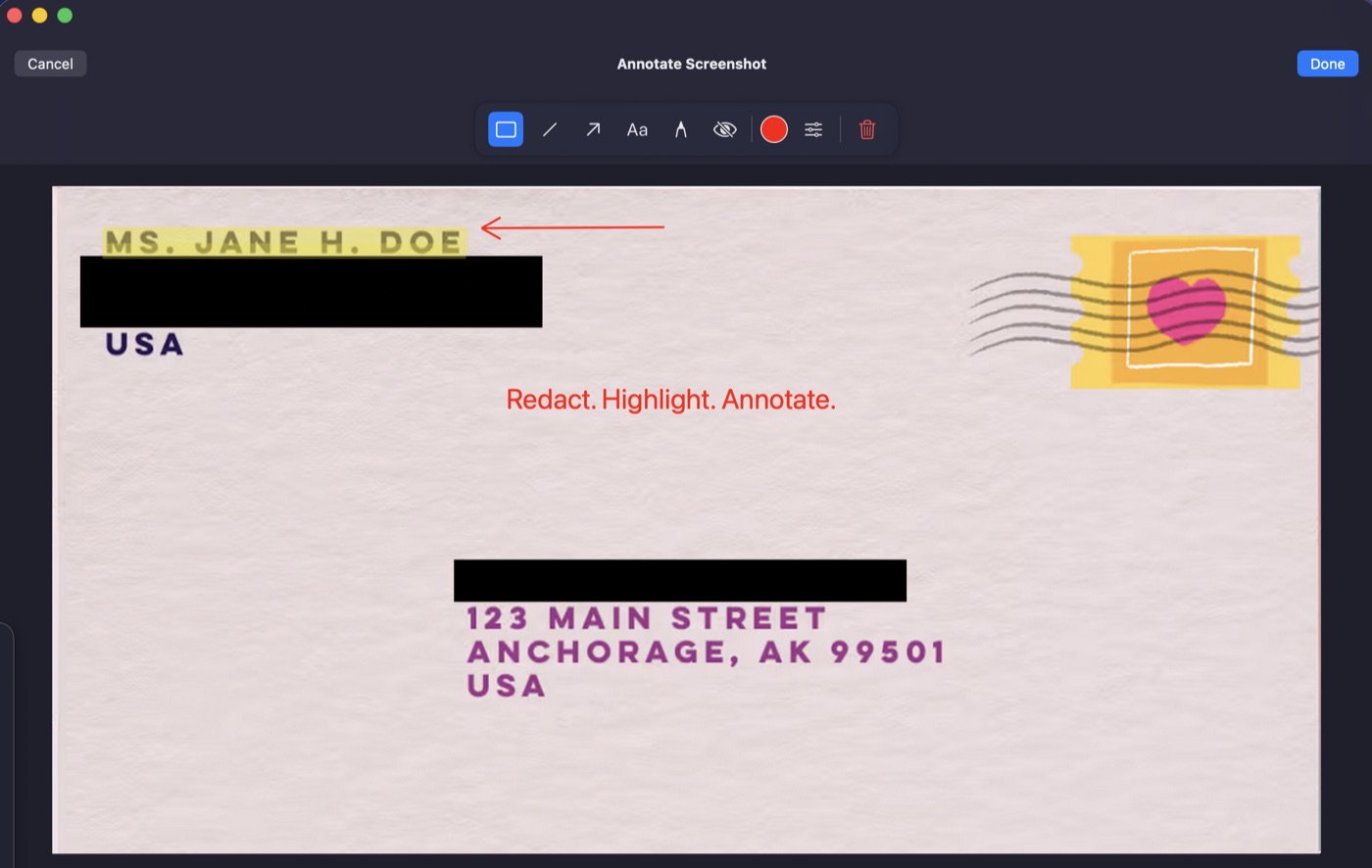
| Annotation | Yes | Yes |
| Screen recording | Yes (video or GIF) | Yes (MP4 or GIF) |
| Scrolling capture | — | Yes |
| SFTP / SSH upload | Yes | Yes |
| S3-compatible upload | Yes | Yes (S3, R2, B2, MinIO) |
| Other destinations | 30+ providers (Dropbox, Google Drive, FTP, WebDAV and more) | No |
| Clipboard URL | Yes | Yes |
| URL shortener / landing pages | Yes | No |
| Audio and webcam in recordings | Yes | No |
| iOS app | Yes (separate product) | No |
Where Dropshare Wins
Dropshare supports far more destinations, including consumer cloud drives, FTP and WebDAV, and adds extras such as URL shorteners, landing pages, screencasts with audio and webcam, and a companion iOS app. If you need any of those, it is the more complete product.
Where CapturePush Wins
- Free: no license, no subscription, no trial clock
- Focused: a small native menu bar app that does capture, annotate and upload, and little else
- Scrolling capture: stitch a long page into one tall image
- Simple self-hosting: SFTP to your own server or any S3-compatible bucket, configured in one preferences pane
- No account required: nothing to sign up for
Who Should Use Which
If your screenshots go to Dropbox, Google Drive or an FTP host, or you want shortened links and landing pages, Dropshare is the better fit. If they go to your own SSH server or an S3-compatible bucket and you want a fast capture-to-URL workflow at no cost, CapturePush does exactly that.
Also comparing other tools? See CapturePush as a ShareX alternative for Mac and CapturePush vs CleanShot X.
Try CapturePush
Capture, annotate, upload to your own storage. Free, native, no account required.
Download for Mac